

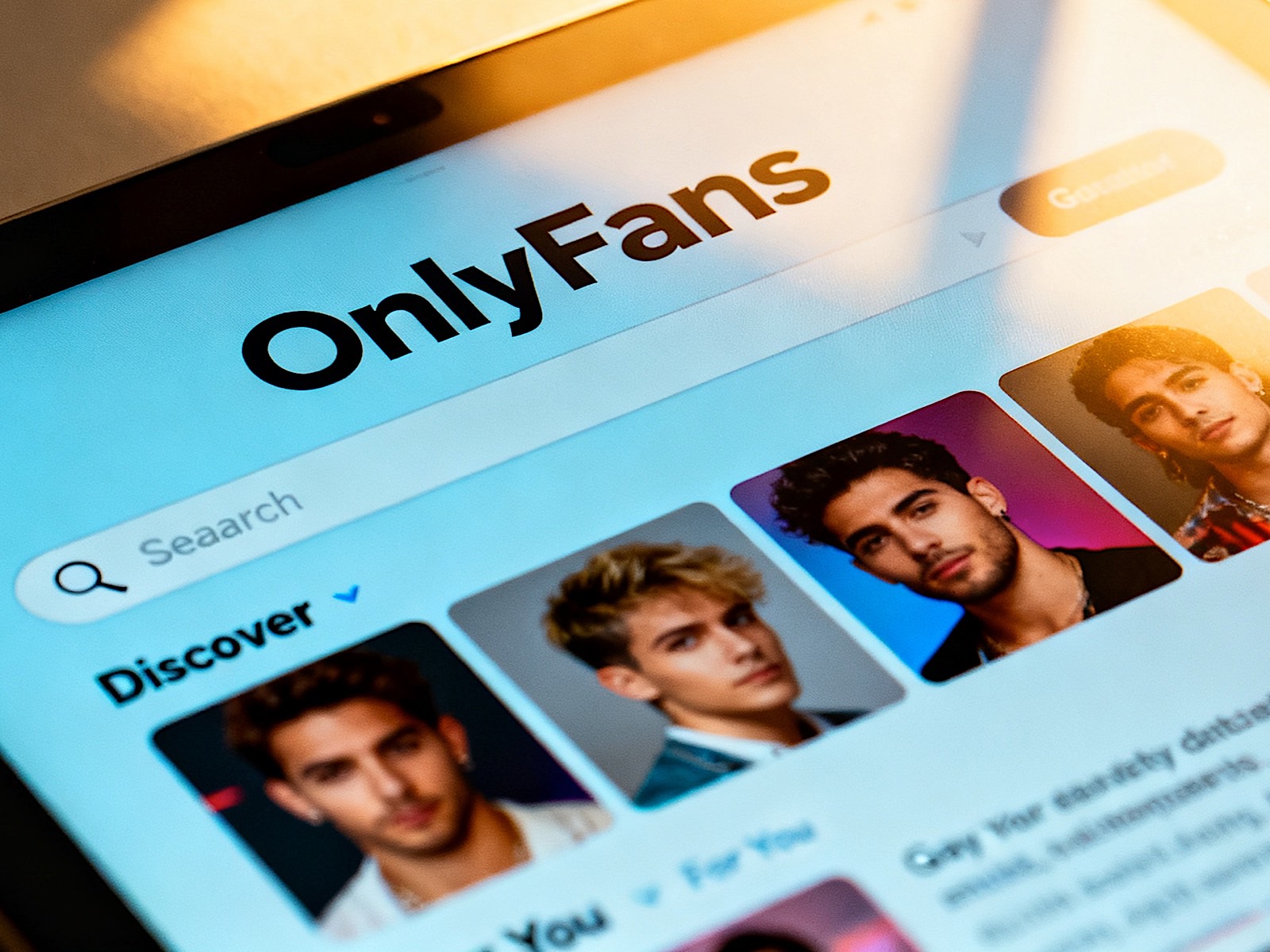
Welcome to the world of direct-to-fan content creation! If you’ve just downloaded the OnlyFans app or logged into the website, you’re about to enter one of the most vibrant, inclusive, and diverse digital spaces on the internet. Whether you’re looking to explore your sexuality, support your favorite influencers, or discover new types of hot content, OnlyFans has become the go-to hub for the modern gay digital landscape.
However, the platform can feel a bit intimidating at first. Unlike Instagram or TikTok, where you can search for any username or hashtag, OnlyFans is a private, invitation-only space. The platform doesn’t have a public directory for searching adult content. But don’t worry—once you understand the mechanics, it’s incredibly user-friendly.
This guide is designed to walk you through everything from billing and privacy to finding the specific kind of content you love and interacting respectfully with creators.
1. INTRODUCTION: WHAT IS ONLYFANS FOR SUBSCRIBERS?
At its core, OnlyFans is a subscription platform that allows creators to monetize their content directly from their fans. Unlike traditional social media platforms that make money through ads, OnlyFans takes a cut so creators can keep 80% of what they earn.
For the subscriber, it functions like a VIP membership. You pay a monthly fee to unlock exclusive material that creators don’t share anywhere else. Think of it as a private club where the bouncer is the creator, and your key is your subscription.
How the Subscription Model Works
Creators generally fall into two categories: Free and Paid.
- Free Accounts: These are the “teasers.” Creators post photos and videos here, but often behind a “Paywall” (locked content). To see the full video or uncensored photo, you usually need to subscribe to their paid tier or send a tip.
- Paid Accounts: These require an upfront monthly fee (often ranging from $4.99 to $20+). When you subscribe, you get full access to their feed, uncensored posts, and the ability to message them.
The beauty of this model is that it empowers creators. They aren’t relying on a studio to distribute their work; they own their audience and their income.
2. BILLING, DISCREET PAYMENTS, & PRIVACY
One of the biggest concerns for new users is privacy. You might be out to your partner, or you might be looking to keep this discovery completely secret. OnlyFans handles billing and privacy in ways that can be very discreet.
How Billing Appears
When you subscribe, the charge will appear on your bank or credit card statement. The descriptor usually says “OnlyFans” or sometimes “OF” depending on your bank.
- Discreet Billing: While it does say “OnlyFans,” it doesn’t show the specific name of the creator on your statement. This is excellent for maintaining privacy.
- Payment Methods: The platform accepts most major credit cards (Visa, MasterCard, American Express) and PayPal. You can also load funds directly into the OnlyFans “wallet” using a debit card or Apple Pay.
Managing Your Profile Privacy
You can control who sees what on your profile.
- Profile Visibility: By default, your profile is public. However, you can change your settings to “Private” or “Friends Only.”
- Hiding Subscriptions: OnlyFans allows you to hide the list of creators you follow. You can go to your profile settings, find “Subscriptions,” and toggle off the option to show your subscription list to others. This keeps your “fan girls” (or fan boys) list private.
3. HOW TO FIND GAY CREATORS (THE DISCOVERY PROBLEM)
This is the most common question beginners ask: “How do I find creators? There’s no search bar.”
You are correct. OnlyFans does not have a public search engine to find creators by name. However, the community is very interconnected. You have to use external channels to find the links.
The Main Discovery Channels for Gay Content
1. X (Twitter) – The Primary Hub
Twitter is the “front porch” of OnlyFans. Many creators use X to promote their content, post teasers, and engage with fans.
- Hashtags: Search for tags like #GayOnlyFans, #GayAdult, #OnlyFansGay, or specific niches like #Twink, #BearGym, #LeatherDaddy.
- Promo Accounts: There are thousands of accounts dedicated solely to reposting and promoting gay creators. Follow a few of these “aggregator” accounts.
- Retweets: When you see a tweet with a “Link in Bio” icon, click it to go to their landing page.
2. Reddit – The Niche Library
Reddit is arguably the best place to find hyper-specific content.
- Subreddits: Look for subreddits dedicated to gay creators or specific body types/kinks. Examples include:
- r/GayOnlyFans
- r/GayMensPorn
- r/Bears
- r/MuscleGym
- r/FootFetish
- r/LeatherSM
- Posting Etiquette: On Reddit, creators or their fans often post direct links to their OnlyFans profiles in the comments or titles of posts.
3. Link Aggregators (Linktree, Beacons)
When you click a Twitter link, you will often land on a page like Linktree or Beacons. These pages act as a digital menu, listing all the social media links the creator uses. If you see an Instagram or TikTok icon with a green “Link in Bio” checkmark, click it to find their OF link.
4. UNDERSTANDING GAY CONTENT NICHES & LABELS
The gay community is incredibly diverse, and content reflects that. If you aren’t sure what “Otter” or “Daddy” means in the context of content, this glossary will help you navigate the feed.
| Category | Description | Typical Content |
|---|---|---|
| Twink | A young, slim, smooth-skinned man, typically with little body hair. | Gym selfies, softcore, youthful energy. |
| Jock | Athletic men, often muscular but with a fit, toned build. | Locker room content, sports gear, gym content. |
| Bear | A large, hairy, often heavier-set man. | Grizzly bears, beards, chest hair, leather. |
| Otter | A man who is husky or stocky, often with a beard but not necessarily very hairy. | A mix between a bear and a twink—rugged but lean. |
| Daddy | An older, dominant man who is often muscular or husky. | Mentoring, authority, strength, experienced. |
| Cub | A “baby bear”—a stocky or husky man with a younger, softer look. | Chubby chasers, friendly, rugged. |
| Muscle | Extreme muscularity, often bodybuilders. | Flexing, posing, gym content, heavy weights. |
| Fetish/BDSM | Content focused on specific kinks like leather, rubber, domination, or submission. | Roleplay, restraints, specific gear, impact play. |
| Duo/Couples | Two creators interacting. | Kissing, sex, or simply hanging out together. |
| Cosplay | Roleplaying as a character from a movie, game, or anime. | Spandex, costumes, fantasy themes. |
5. PLATFORM FEATURES & HOW TO USE THEM
Once you’ve subscribed to a creator, you need to know how to use the platform features to get the most out of your subscription.
Managing Subscriptions
- Auto-Renew: By default, subscriptions renew automatically every month on the same day you subscribed.
- Turning it Off: If you want to cancel, go to your Subscriptions tab, select the creator, and toggle “Auto-renew” to off. This stops the charge, but you will keep access until your billing cycle ends.
Pay-Per-View (PPV) Messages
You might subscribe to a creator and see a message in your inbox that says “View for $5.” This is a PPV message.
- How it works: Creators use PPV to make money beyond the base subscription. They might post a “teaser” on their feed and then send a locked video in your DMs for $5.
- Opening it: Click the message. You will see a prompt to pay the fee. Once paid, the content unlocks instantly.
Direct Messaging (DMs) & Tipping
- Tipping: This is a great way to show support without committing to a subscription. You can send a one-time tip (usually between $5 and $100) for a specific photo, a “Dick Rating,” or just to say thanks.
- Tip Menus: Many creators have a “Tip Menu” listed in their bio. It looks like a menu of options (e.g., 10$ – Nude Photo, 20$ – 30 Second Video, 50$ – Sexting Session). You can click these to pay instantly.
- DM Etiquette: DMs are private conversations. Keep them respectful. If you want a custom video, always check if they offer them in their bio first, or ask politely.
Custom Requests
If a creator doesn’t mention customs in their bio, you can ask. However, keep in mind:
- It’s not free: You usually have to pay the base rate plus the cost of production time.
- It takes time: They might be busy with other fans.
- Boundaries: Always respect their boundaries. If they say “No customs,” accept it gracefully.
6. FAN ETIQUETTE & BEST PRACTICES
Being a good fan is just as important as being a good creator. Here is how to navigate the community respectfully and effectively.
Respecting Boundaries
- Don’t be a “Leech”: Don’t screenshot their content and send it to your friends for free. That violates their copyright.
- Be Patient: Creators often have hundreds of subscribers. They cannot reply to every DM instantly.
- Understand the “No”: If a creator says no to a request (whether it’s free content, a video, or a meet-up), do not push them. They are running a business, not a charity.
Getting the Most Value
- Multi-Month Subs: Look for creators who offer discounts for 3 or 6-month subscriptions. Often, 3 months are cheaper per month than buying one month at a time.
- Promo Sales: Many creators run monthly sales (e.g., “Subscribe for $4.99 this week only”). Follow them on Twitter to catch these deals.
- Engage: Liking and commenting on their posts helps boost their visibility on the platform algorithm, which keeps them motivated to post more for you.
7. CONCLUSION & QUICK-START CHECKLIST
Navigating OnlyFans as a beginner can feel like learning a new language, but it becomes second nature quickly. The key is to start exploring, find your favorite niches, and support the creators who make the content you enjoy.
Here is your quick-start checklist to get your feed set up for the first time:
- Set Your Privacy: Go to Settings > Profile > Visibility and ensure your profile is set to “Private” if you want to keep your browsing secret.
- Check Your Billing: Add a credit card or PayPal to your wallet so you aren’t stuck when you find a creator you like.
- Explore Twitter/X: Search for #GayOnlyFans and follow a few promo accounts to gather a list of potential creators to check out.
- Find a Niche: Use the guide above to identify what kind of content you like (e.g., Muscle, Fetish, Jock) and look for creators specifically in that category.
- Subscribe & Engage: Find a creator whose vibe matches yours, subscribe, and don’t be afraid to send a tip or a supportive DM once you get settled.
Enjoy your journey through the best of the gay digital ecosystem!
GET CAUGHT UP IN MINUTES WITH OUR WEEKLY NEWSLETTER OF THE LATEST REVIEWS AND NEWS! (COMING SOON)